

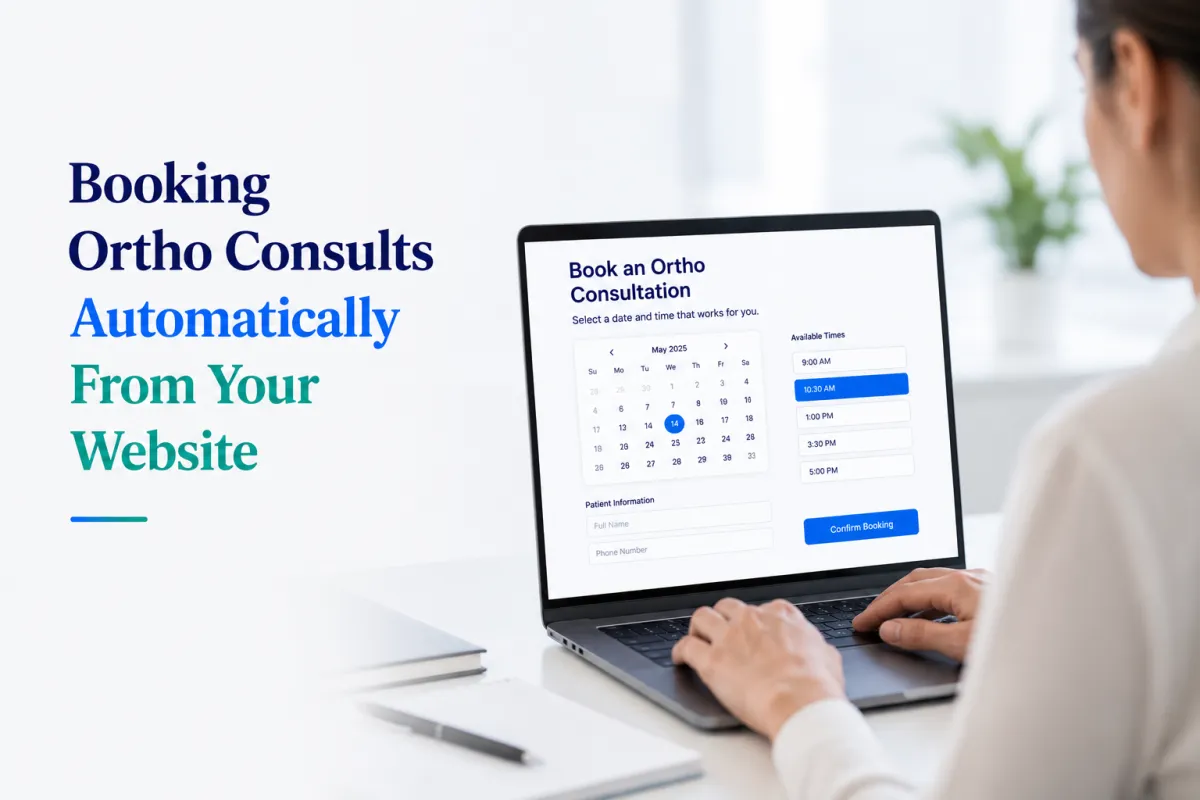
Booking Ortho Consults Automatically From Your Website
TL;DR
Most orthodontic practices lose after-hours appointment requests to voicemail or missed calls
Automated online booking lets patients schedule consults 24/7 without front-desk involvement
HiClinic's AI Receptionist handles orthodontic online booking, missed-call text-back, and patient recall from a single front-office layer
Setup takes 7 days; staff training runs about 30 minutes
Works alongside Jane App and OSCAR, no EMR replacement required
How do website visitors book an ortho consult today?
Most orthodontic websites still route booking requests through a contact form, a phone number, or a "request an appointment" button that triggers an email to the front desk. The patient fills out the form at 9 p.m. on a Tuesday. The front desk sees it at 9 a.m. Wednesday. By then, the patient may have already booked with the practice down the street whose website had a live booking widget.
Orthodontic online booking closes that gap. A patient lands on your site, clicks a scheduling link, picks an available consult slot, and gets a confirmation without your staff touching the interaction. The front desk sees a booked appointment in the calendar, not an unread message in an inbox.
HiClinic connects orthodontic practices with an automated booking layer that sits on top of their existing practice management software. Patients book through the website; HiClinic handles the intake, confirmation, and reminder sequence automatically.
Why do orthodontic practices lose consult leads from their own websites?
Orthodontic practices lose consult leads because most website booking flows require a human in the loop. A patient clicks "book a consultation," lands on a contact form, submits their details, and then waits. That waiting period is where leads fall out.
Research on healthcare scheduling [SOURCE NEEDED: candidate: Accenture patient access research] consistently shows that patients who cannot confirm an appointment immediately are significantly more likely to contact a second provider. For orthodontic consults specifically, the barrier is lower than in most specialties: the initial appointment carries no clinical urgency, which means patients shop more freely.
Three patterns that accelerate lead loss:
After-hours gaps. Orthodontic practices typically operate during school and business hours. A large share of consult searches happen outside those windows, from parents researching treatment options after work. A website that offers only a phone number or a "we'll call you back" form converts poorly during those hours.
Missed-call abandonment. When a prospective patient calls and reaches voicemail, the majority do not call back. They move on. HiClinic's missed-call text-back feature sends an automated text within seconds, keeping the conversation open before the patient contacts another practice.
Slow follow-up on form submissions. A contact form is not a booking. It is a lead. Converting that lead still requires someone to read the message, call the patient, reach them on the first try, and get a time that works for both parties. The more steps between "interested" and "booked," the more drop-off.
Automated online booking compresses those steps into one: the patient books themselves.
What does automated orthodontic booking actually look like?
Automated orthodontic booking means a patient can move from your website to a confirmed consult appointment without waiting for a staff member to process their request.
The typical flow looks like this:
A prospective patient lands on your orthodontic services page, usually from a search for something like "orthodontist consultation near me" or "Invisalign consult [city]." They see a booking button or embedded calendar widget. They pick a date and time from your available slots, fill in their name and contact details, and receive an automatic confirmation. Before their appointment, they get automated reminders by text or email. If they need to cancel or reschedule, the system handles that exchange without involving your front desk.
HiClinic's AI Receptionist manages this workflow at the front-office level. It does not replace your practice management software. Jane App and OSCAR continue handling clinical records, billing, and EMR functions. HiClinic operates as a front-office layer that captures booking requests, sends confirmations, runs reminder sequences, and fields after-hours inquiries through automated text responses.
For a broader look at how these tools fit together in a smaller clinic context, the post on small clinic automation covers the integration approach in more detail.
How does HiClinic's orthodontic booking setup work?
HiClinic's orthodontic booking setup takes seven days and requires roughly 30 minutes of staff training. The platform connects to your existing website and practice management tools rather than requiring a full technology migration.
During setup, the booking widget or link gets added to your orthodontic services pages and any relevant landing pages. Available consultation slots are configured based on your scheduling preferences. Automated confirmation and reminder sequences are activated. Missed-call text-back is enabled so after-hours callers receive an immediate response rather than a voicemail.
Front-desk staff do not need to manage incoming booking requests manually. The system confirms appointments, sends reminders, and flags exceptions (such as double-bookings or last-minute cancellations) for human review when needed.
The first automated booking typically happens within 48 hours of going live.
Billing runs month-to-month. There is no long-term contract.
How does automated booking reduce no-shows for orthodontic consults?
Automated booking reduces orthodontic consult no-shows through a structured reminder sequence that runs without staff involvement. Patients who booked online receive confirmation immediately and reminders at intervals configured by the practice, typically 48 hours and 24 hours before the appointment.
The reminder sequence matters more for orthodontic consults than for follow-up visits. A first consultation is often scheduled weeks in advance, and patients book it during a high-motivation moment. As that moment fades, so does the likelihood they show up without prompting. An automated reminder sequence re-engages the patient at the right intervals.
HiClinic's patient follow-up automation handles reminder sequences, recall messaging, and re-engagement for patients who have not completed treatment, all from the same platform that manages the initial booking.
Does automated booking work for orthodontic practices that take referrals?
Automated booking handles both direct patient bookings and referral-sourced appointments, though the workflow differs slightly for each.
For direct bookings, the patient self-schedules through the website. For referral-sourced patients, the referring provider typically passes along the patient's contact details, and HiClinic can trigger an outreach sequence (a text or email inviting the patient to book their consult through the same online link) rather than requiring the patient to call in.
Orthodontic practices that actively build their referral network through family physicians and GPs face a separate challenge: keeping referring providers engaged and informed. The post on marketing to doctors for referrals addresses the relationship-building side of that pipeline, while automated booking handles the downstream conversion once a referral arrives.
What should an orthodontic practice look for in a booking automation platform?
An orthodontic practice evaluating booking automation platforms should assess four things: integration with existing software, PIPEDA compliance, after-hours handling, and the speed of setup.
Integration with existing software. The platform should work alongside your current practice management system, not replace it. If your practice runs on Jane App or OSCAR, you want a front-office automation layer that connects to those tools rather than requiring a parallel system for clinical records.
PIPEDA compliance. Any platform handling patient contact information in Canada must comply with PIPEDA (Personal Information Protection and Electronic Documents Act). Provincial privacy legislation (PHIPA in Ontario, HIA in Alberta, PIPA in British Columbia) may apply additional requirements depending on where your practice operates. Confirm that the platform your practice selects meets those standards before collecting patient data through automated booking flows.
After-hours handling. A booking platform that only processes requests during business hours captures only a fraction of available demand. Look for platforms that handle after-hours inquiries through automated text responses rather than routing everything to voicemail.
Speed of setup. A long implementation timeline creates a gap where your practice continues losing leads through the old process. HiClinic's seven-day setup keeps that gap short.
To see how HiClinic performs across these criteria and request a live walkthrough, the book a demo page covers what the session includes and how to get started.
Key takeaways
Orthodontic practices lose consult leads at predictable points: after-hours calls that go to voicemail, form submissions that sit in an inbox, and slow follow-up that lets patients book elsewhere. Automated booking removes those failure points by letting patients confirm their own appointments through the website, any time.
HiClinic adds an automated front-office layer to orthodontic practices without replacing existing clinical software. The system handles booking, confirmations, reminders, and missed-call text-back. Setup takes seven days. Staff training runs about 30 minutes. Billing is month-to-month.
If your orthodontic practice is losing consult requests between the website visit and the confirmed appointment, that is the problem automated booking solves.
Book a demo to see the booking flow in action.